
How to Access the App Store Analytics for iOS
Measure the performance of your app and gain unique insights into its data.
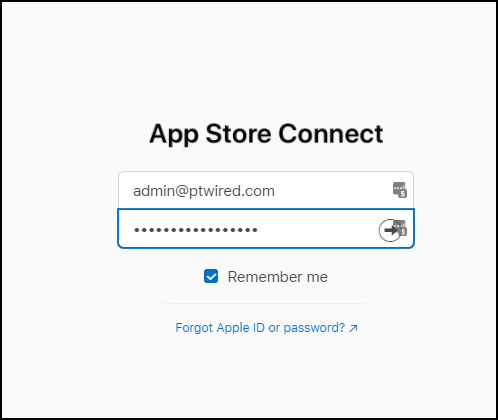
1.) To get started, sign in to App Store Connect.
2.) Select your app from the 'Apps' tab and then click "App Analytics" to learn how users discover and engage with your app. You can examine data related to App Store Performance, App Engagement, Usage, etc.

3.) Select your desired Sources and Metrics from the options available.

Notes:
- These tools are available to the following roles: Account Holder, Admin, Sales, and Finance.