Completing All Exercises
Patients now have the ability to mark all of the exercises in the prescription as 'complete' in one tap
Below is a video tutorial on how to complete all your exercises at the same time
1.) After logging into the app, navigate to the Exercises page where you'll be able to play your exercise videos and mark them as completed.
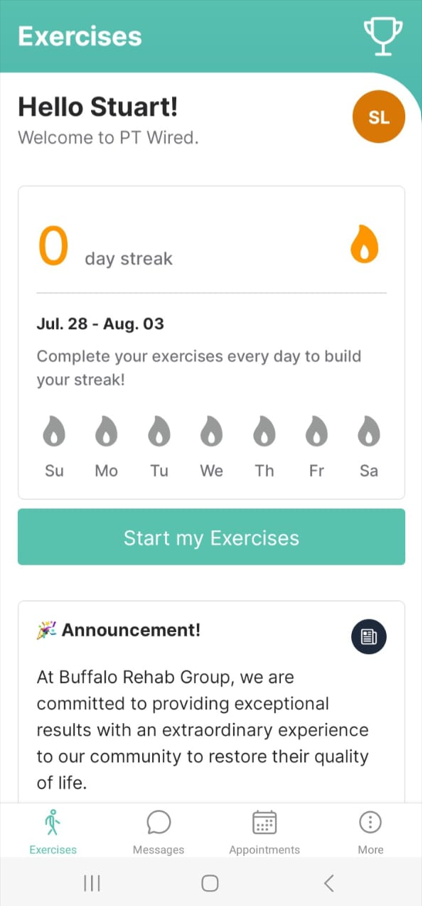
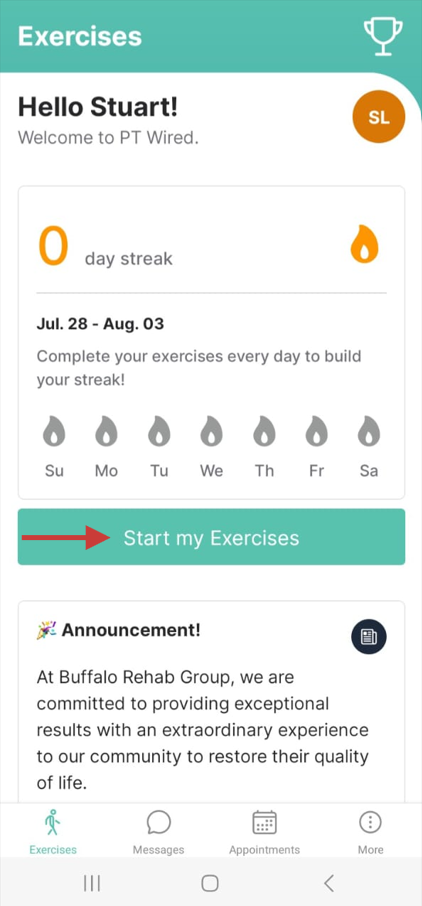
2.) First, you will tap on 'Start my Exercises' in the Exercise page. You will then be redirected to the exercises where you can play the videos in order to perform the exercises.
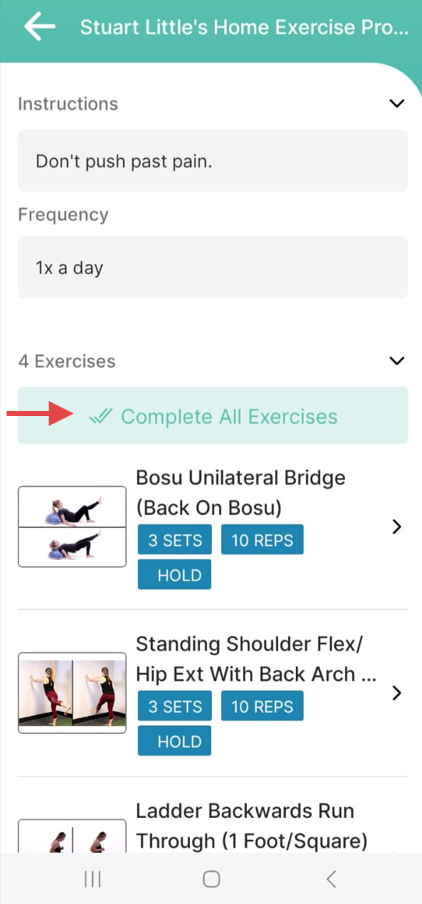
3.) Once you are done with all the exercises, tap on the 'Complete All Exercises' button, which you will find above the exercise videos.
4.) You will then be redirected to a page asking you to confirm that you have completed all exercises.
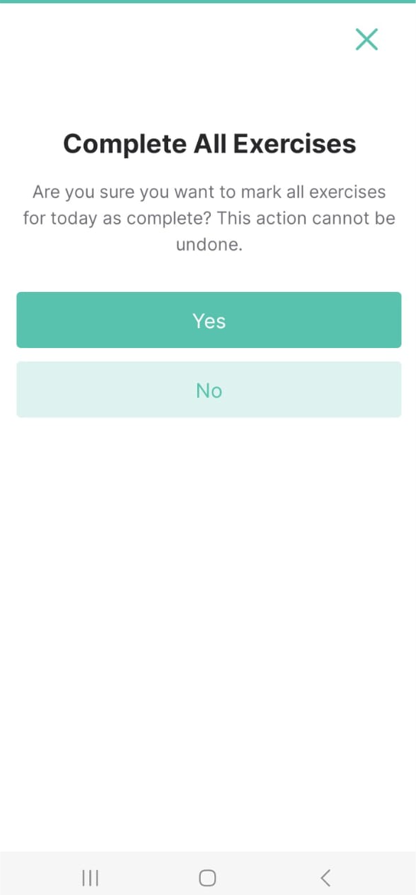
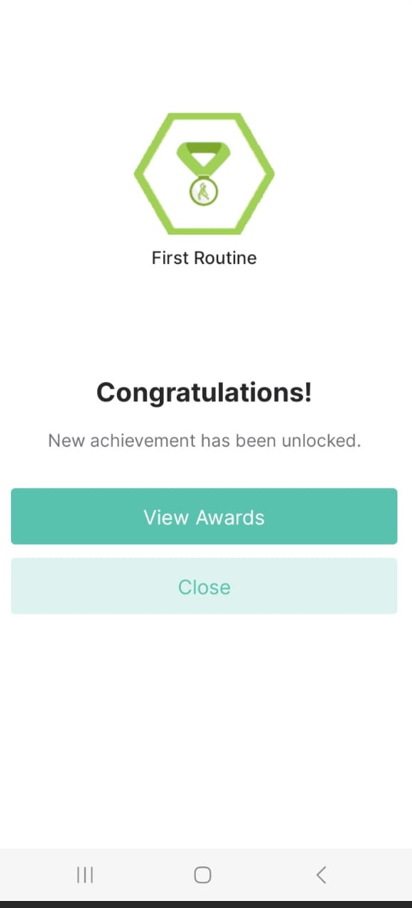
5.) You will then tap on 'Yes' to confirm that all exercises have been completed. Once this is done, you will land on a page congratulating you of your achievement.