Managing Asana Notifications
Asana sends updates for task changes, comments, and messages. Managing notifications helps you stay on top of important updates without feeling overwhelmed.
Adjust Your Email & Browser Notifications
-
Click your profile avatar in the lower-left corner.
Select Settings → Notifications tab. Under Email Notifications, uncheck or check:
- Updates on your work
- Communication
- Updates to work you collaborate on

✅ Best Practices:
- Keep Someone mentions @[your name] turned on (important).
- Keep When comments or attachments are sent turned on (important).
- Keep When Messages are sent turned on (important).
You automatically “follow” tasks you’re assigned to or comment on.
-
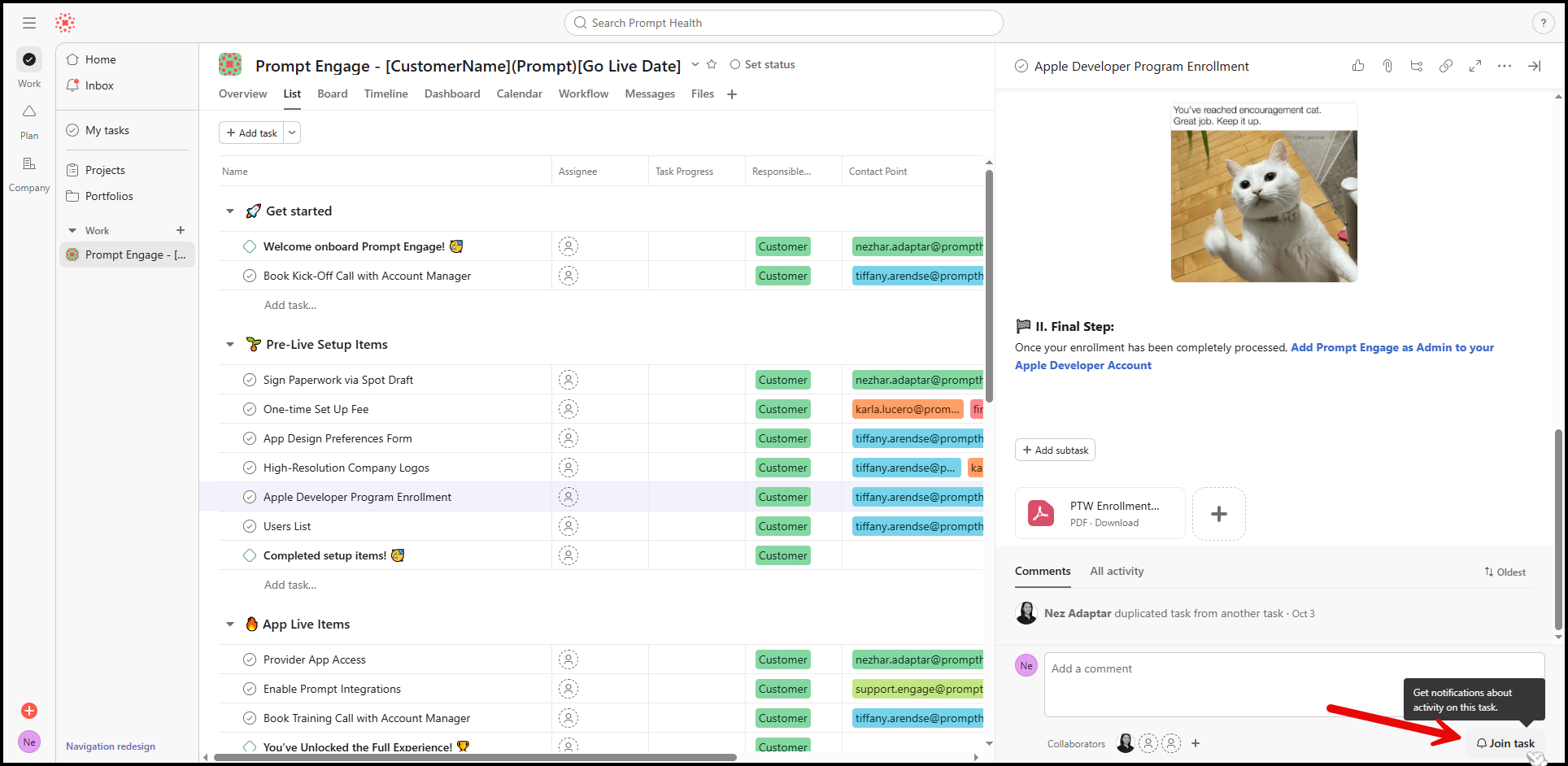
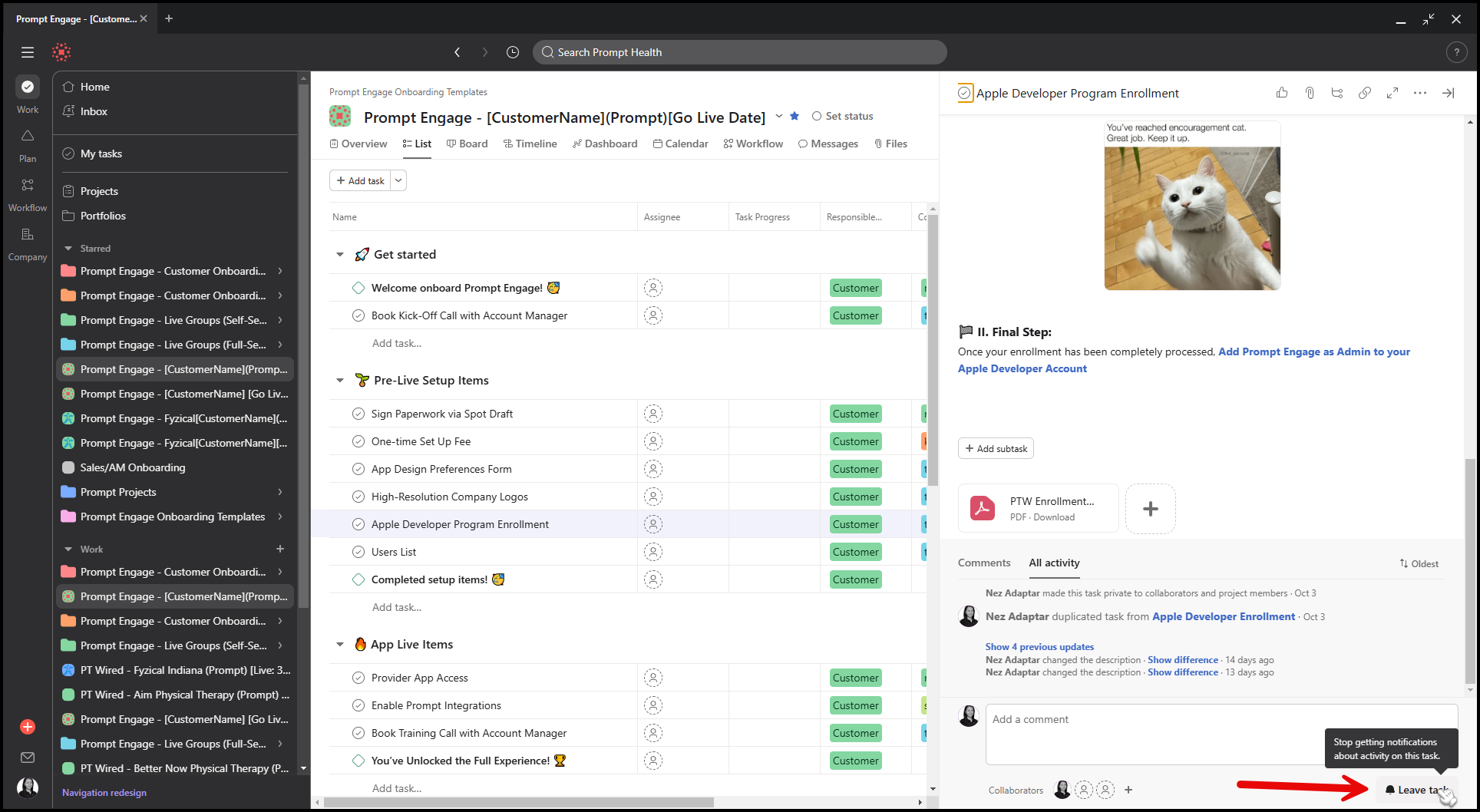
To stop receiving updates: open the task → click the bell icon → Leave Task.
-
To start receiving updates again, follow the same steps and click Join Task.